How to Make Your First Deposit on Bacardi Play Using GCash
Minimum Deposit Amount in PHP and Typical Deposit Range
Bacardi Play sets its minimum deposit at PHP 100. This low entry point makes the platform accessible to casual players who want to try slots, live dealer games, or sports betting without committing a large amount upfront.
Most Filipino players deposit between PHP 100 and PHP 500 per session. This range fits typical mobile-first betting habits—small, manageable amounts that let you explore the game library, place a few bets on PBA or NBA matches, or spin slots without overextending your budget.
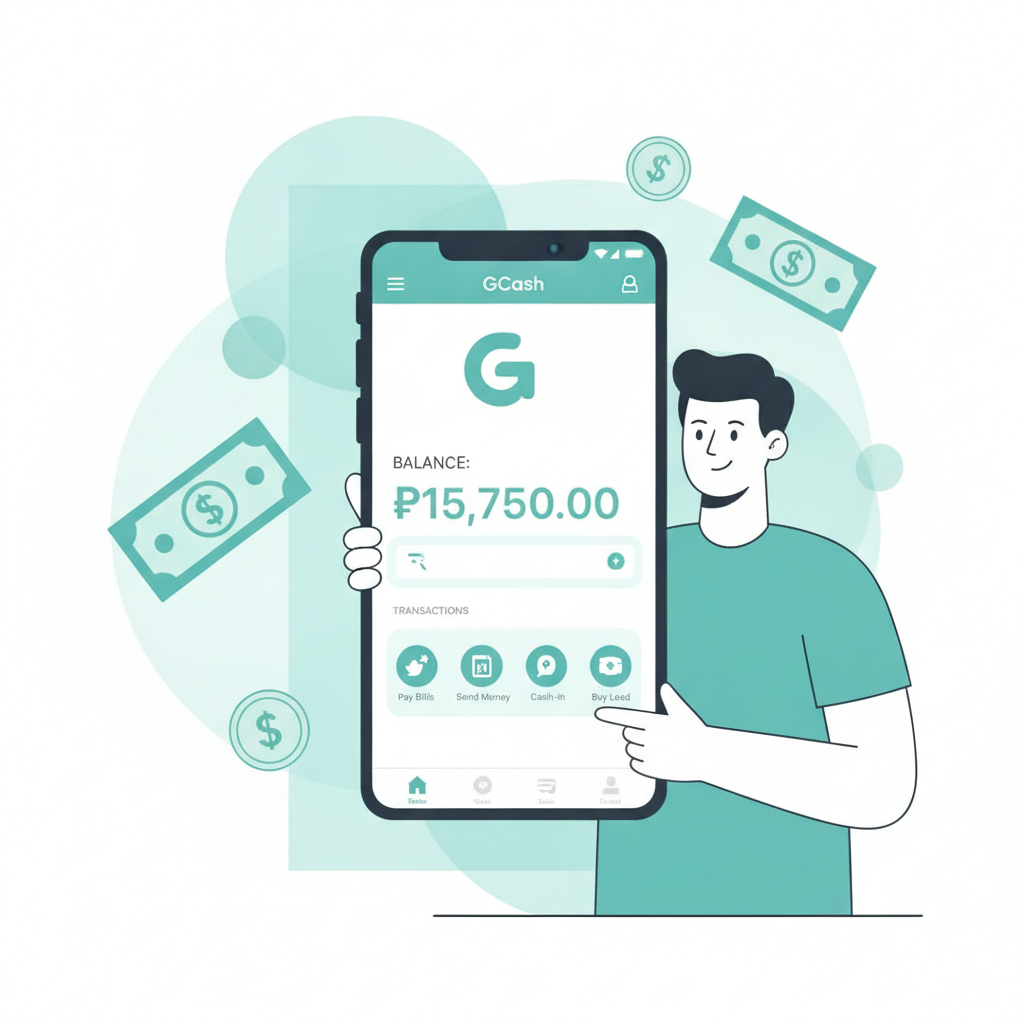
GCash works well for these smaller deposits because transfers happen inside your mobile wallet. You don't need to visit a bank branch or fill out lengthy forms. As long as your GCash account has sufficient balance, you can fund your Bacardi Play account in a few taps.
Before you deposit, make sure you've completed registration on Bacardi Play and verified your identity if required. The platform may ask for a valid government-issued ID to comply with age and identity checks. Only players aged 21 and above are permitted to open accounts and deposit funds.
Step-by-Step GCash Deposit Walkthrough
Follow these steps to complete your first GCash deposit on Bacardi Play:
1. Log in to Your Bacardi Play Account
Open the Bacardi Play site on your mobile browser or app. Enter your registered username and password on the Bacardi Play login screen. If you haven't registered yet, you'll need to create an account first by providing your mobile number, email, and basic details.
2. Navigate to the Deposit Page
Once logged in, look for the Deposit or Cashier button. On most mobile layouts, this appears in the top menu bar or inside your account dashboard. Tap it to open the deposit options.
3. Select GCash as Your Payment Method
Bacardi Play offers several deposit channels, including GCash, Maya, bank transfer via InstaPay, and PESONet. Choose GCash from the list of available methods.
4. Enter Your Deposit Amount
Type the amount you want to deposit in Philippine pesos. Remember that the minimum is PHP 100. If you enter a lower amount, the system will prompt you to increase it. Double-check the figure before proceeding—you can't edit it once the transaction starts.
5. Confirm Your GCash Account Details
The platform may ask you to enter or confirm the mobile number linked to your GCash account. Make sure this matches the number you use for GCash to avoid delays or failed transactions.
6. Authorize the Payment in GCash
You'll be redirected to the GCash app or a GCash payment gateway. If you're using a mobile browser, the link usually opens GCash automatically if the app is installed. If not, you may need to enter your GCash MPIN manually on the web interface.
Review the transaction details: the amount, the recipient (Bacardi Play's merchant account), and any reference number. Confirm the payment by entering your GCash MPIN or using biometric authentication if enabled.
7. Wait for the Confirmation Screen
After authorizing the payment, GCash will display a confirmation screen with a transaction reference number. Screenshot this page or note the reference number—it's helpful if you need to contact support later.
You'll be redirected back to Bacardi Play. The platform should show a success message indicating that your deposit request has been received.
8. Check Your Account Balance
Navigate to your Bacardi Play account balance or wallet section. The deposited amount should appear within a few minutes. Once it reflects, you're ready to play slots, join live dealer tables, place bets on PBA and NBA games, or try bingo.
How Long Deposits Take to Reflect in Your Account
GCash deposits on Bacardi Play are usually instant or near-instant. In most cases, funds appear in your account balance within 1 to 5 minutes after you authorize the payment in GCash.
Speed depends on a few factors:
- GCash server load: During peak hours—lunch breaks, evenings, weekends, or major sporting events—GCash and the casino's payment gateway may experience higher traffic. This can add a few extra minutes.
- Platform processing: Bacardi Play's payment processor needs to verify the transaction and credit your account. This step is automated but can occasionally lag if systems are under maintenance.
- Network connectivity: A weak mobile signal or unstable Wi-Fi can delay communication between GCash, the payment gateway, and Bacardi Play.
In practice, most players see their balance update within 2 to 3 minutes. If your deposit hasn't appeared after 10 minutes, move on to troubleshooting.
What to Check if Your Deposit Doesn't Appear
If your GCash balance was deducted but the funds haven't shown up in your Bacardi Play account after 10 to 15 minutes, follow these steps:
1. Verify the GCash Transaction Went Through
Open your GCash app and check your transaction history. Look for the payment to Bacardi Play. Confirm the amount, date, time, and status. If the transaction shows as "failed" or "pending," the money may not have left your wallet yet. Wait a few more minutes or retry the deposit.
2. Refresh Your Bacardi Play Account
Log out of Bacardi Play, close the browser or app completely, then log back in. Sometimes the balance display doesn't update until you refresh the session. Check your account wallet again.
3. Check for Confirmation Emails or SMS
Bacardi Play may send an email or SMS confirming your deposit. Review your inbox and messages for any notifications. These often include transaction reference numbers and timestamps.
4. Review the Deposit Amount and Method
Make sure you selected GCash (not Maya or another method) and entered at least PHP 100. If you made an error during the deposit flow—such as entering the wrong mobile number—the funds might be held or returned to your GCash wallet.
5. Wait a Little Longer
Although rare, some deposits take up to 30 minutes during system updates or maintenance windows. If it's late at night or during a major sporting event, give it a bit more time before escalating.
6. Contact Bacardi Play Customer Support
If the deposit still hasn't appeared after 30 minutes and your GCash transaction shows as completed, reach out to Bacardi Play's support team. Provide:
- Your registered username or account ID
- The exact deposit amount in PHP
- The date and time of the transaction
- The GCash transaction reference number
Support can check the payment processor logs and manually credit your account if the deposit was successfully received but not automatically posted.
7. Keep Records
Save screenshots of your GCash transaction receipt, the Bacardi Play deposit page, and any confirmation messages. These records speed up resolution if you need to file a support ticket.
Responsible Gambling and 21+ Age Requirement
Bacardi Play is intended for players aged 21 and above only. By creating an account and making a deposit, you confirm that you meet this age requirement and that online casino and sports betting activities are legal in your location.
Depositing money to play slots, live dealer games, or bet on sports should be a form of entertainment, not a way to make money or solve financial problems. Here are a few practical reminders to help you stay in control:
- Set a deposit limit: Decide in advance how much you're willing to deposit and potentially lose in a session. Stick to that amount. The PHP 100 minimum makes it easy to start small.
- Don't chase losses: If you lose your deposit, resist the urge to immediately top up and try to win it back. Take a break, reassess, and return another day if you still want to play.
- Track your spending: Review your GCash transaction history regularly to see how much you've deposited over a week or month. If the total surprises you, it may be time to adjust your habits.
- Use GCash wallet limits: GCash lets you set daily or monthly spending caps. Consider enabling these features to add an extra layer of control over your deposits.
- Know when to stop: If gambling starts to feel stressful, interferes with work or relationships, or causes financial strain, stop and seek help. Organizations like the National Center for Mental Health and local counseling services offer confidential support.
Bacardi Play provides tools such as deposit limits, session time reminders, and self-exclusion options. Explore these features in your account settings if you want additional safeguards.
Remember, the outcome of slots, live dealer games, and sports bets is never guaranteed. Only deposit money you can afford to lose, and treat every session as paid entertainment rather than an investment.
Final Thoughts
Making your first deposit on Bacardi Play using GCash is straightforward: log in, select GCash, enter at least PHP 100, authorize the payment in your GCash app, and watch your balance update within minutes. Most deposits complete instantly, but if yours doesn't appear, check your GCash transaction history, refresh your account, and contact support if needed.
Keep your deposits within a comfortable range—PHP 100 to PHP 500 is typical for most Filipino players—and always remember that online casino and sports betting are for adults 21 and over. Play responsibly, set limits, and enjoy the games, live dealer tables, and PBA or NBA betting that Bacardi Play offers.
This guide is provided by an independent information site. For official terms, support, and account management, visit Bacardi Play directly.