How to Register on Bacardi Play: Step-by-Step Guide for Filipino Players
What You Need Before Signing Up
Before you start the Bacardi Play register process, gather these items to make sign-up quick and smooth:
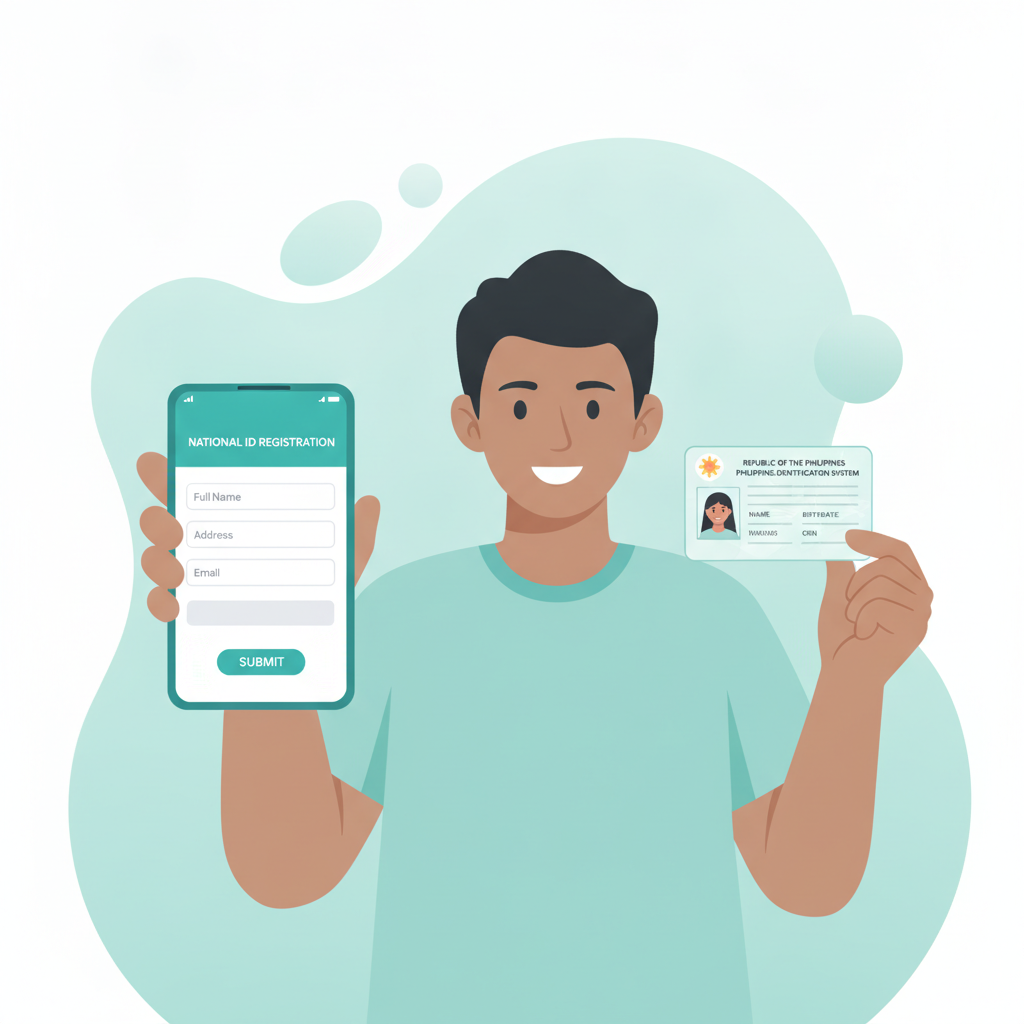
Valid government-issued ID – You'll need one clear photo of a Philippine ID such as a driver's license, passport, UMID, postal ID, or national ID. The ID must show your full name, date of birth, and photo. Make sure the text is readable and the image isn't blurred.
Active mobile number – Bacardi Play sends a one-time PIN (OTP) to verify your phone number during registration. Use a number you can access right away.
Working email address – You'll receive a confirmation link and account updates by email. Check that you can log in to this email before you begin.
You must be 21 years old or older – Bacardi Play is for adults only. The platform checks your age against your ID, so registering with false information will block your account.
Stable internet connection – Registration works best on mobile data or Wi-Fi. A dropped connection can interrupt the sign-up flow and you may need to start over.
Once you have these ready, the entire Bacardi Play register process takes about five to ten minutes from start to finish.
Step-by-Step Registration Walkthrough
Follow these steps to create your Bacardi Play account. This guide assumes you're signing up on a mobile browser, which is how most Filipino players register.
Step 1: Visit the Bacardi Play website
Open your mobile browser (Chrome, Safari, or Firefox) and go to the official Bacardi Play site. Look for the "Register" or "Sign Up" button, usually found in the top-right corner of the homepage.
Step 2: Tap the Register button
You'll land on the registration form. Bacardi Play uses a single-page form that asks for basic details all at once.
Step 3: Fill in your personal information
Enter the following:
- Full name – Match the name on your government ID exactly. Middle names and suffixes (Jr., III) should also match.
- Date of birth – Use the format DD/MM/YYYY. The system will reject the form if you're under 21.
- Mobile number – Enter your Philippine mobile number in the format 09xxxxxxxxx.
- Email address – Use an email you check regularly.
Step 4: Create your username and password
Pick a unique username (this will be your Bacardi Play login ID). Your password should be at least eight characters and include a mix of letters and numbers. Write it down or save it in a password manager—you'll need it every time you log in.
Step 5: Set your currency
Select PHP (Philippine Peso) as your account currency. This cannot be changed later, so double-check before moving forward.
Step 6: Enter a security question
Choose a security question from the dropdown and type your answer. This is used to recover your account if you forget your Bacardi Play login password.
Step 7: Agree to terms and conditions
Tick the box to confirm you've read the terms, privacy policy, and responsible gambling guidelines. You must also confirm you are 21 years or older.
Step 8: Submit the form
Tap "Register" or "Create Account." Bacardi Play will send an OTP to your mobile number via SMS.
Step 9: Verify your mobile number
Check your phone for the six-digit code and enter it in the verification box. If the code doesn't arrive within two minutes, tap "Resend OTP."
Step 10: Confirm your email
Open your email inbox and look for a message from Bacardi Play. Click the verification link inside. This step activates your account and allows you to log in.
Once your email is confirmed, your Bacardi Play account is live. You can now proceed to ID verification and make your first deposit.
How to Verify Your Account with ID Documents
Bacardi Play requires identity verification before you can withdraw winnings. Many players complete this step right after signing up to avoid delays later.
When to verify
You can verify your account immediately after registration or wait until you're ready to make your first withdrawal. Verifying early is recommended—it usually takes a few hours to one business day for approval.
How to upload your ID
- Log in to your Bacardi Play account.
- Go to "My Account" or "Profile."
- Look for "Verification" or "KYC" (Know Your Customer).
- Tap "Upload ID" and choose your document type from the list.
- Take a clear photo of the front of your ID. Make sure all four corners are visible, there's no glare, and the text is sharp.
- If required, upload a photo of the back of your ID as well.
- Some accounts may ask for a selfie holding your ID next to your face. Follow the on-screen instructions.
- Tap "Submit."
What happens next
Bacardi Play's verification team reviews your documents. You'll receive an email when your account is verified. If there's an issue—like a blurry photo or mismatched name—they'll ask you to resubmit.
Accepted IDs in the Philippines
- Driver's license
- Passport
- UMID
- Postal ID
- National ID (PhilSys)
- SSS ID
- Voter's ID
Use an ID that clearly shows your name, birthdate, and photo. Expired IDs are usually not accepted.
Common Registration Errors and Quick Fixes
Even with everything ready, you might hit a snag during the Bacardi Play register process. Here's how to solve the most common issues.
"Mobile number already registered"
This means the phone number is linked to an existing account. If you've signed up before, use the "Forgot Password" link on the Bacardi Play login page to recover your account. If someone else used your number by mistake, contact Bacardi Play support with proof of ownership (a screenshot of your phone bill or a selfie with your SIM card).
OTP code not arriving
Wait two minutes, then tap "Resend OTP." Check that you entered your mobile number correctly (including the leading 09). If you still don't receive the code, try switching from Wi-Fi to mobile data or vice versa. Some networks delay SMS delivery during peak hours.
"Age verification failed"
Your birthdate on the registration form must match your ID exactly. If you mistyped your birthdate, you may need to contact support to correct it. Remember, Bacardi Play is 21+ only—you cannot register if you're younger.
Email confirmation link doesn't work
Check your spam or junk folder. If the link has expired (usually after 24 hours), log in to Bacardi Play and request a new confirmation email under "My Account."
"Username already taken"
Choose a different username. Add numbers or underscores if your preferred name is unavailable. Your username becomes your Bacardi Play login ID, so pick something you'll remember.
Form won't submit / page freezes
Clear your browser cache or try a different browser. Make sure JavaScript is enabled. If you're on a very slow connection, wait for the page to fully load before tapping buttons.
ID verification rejected
The most common reasons are blurry photos, glare covering the text, or a name mismatch. Retake the photo in good lighting, lay the ID flat on a dark surface, and make sure the camera focuses before you snap. Your registered name and ID name must match character-for-character, including spelling and suffixes.
If none of these fixes work, reach out to Bacardi Play customer support through live chat or email. Have your registered mobile number and email ready.
Responsible Gambling Reminder and 21+ Requirement
Bacardi Play is strictly for players aged 21 and above. The platform checks every account against a valid government ID to confirm age before allowing real-money play.
Online casino games, sports betting, and bingo are forms of entertainment, not a way to make money. Set a budget before you play and never deposit more than you can afford to lose. Bacardi Play offers tools to help you stay in control:
- Deposit limits – Set daily, weekly, or monthly caps on how much you can add to your account.
- Session reminders – Get a notification after a set amount of playing time.
- Self-exclusion – Temporarily or permanently close your account if you need a break.
If you or someone you know is struggling with gambling, reach out to a local support service or use the responsible gambling resources provided on the Bacardi Play site.
Play responsibly. Know your limits. Keep gambling fun.