Maya Deposit on Bacardi Play: Complete Walkthrough for New Players
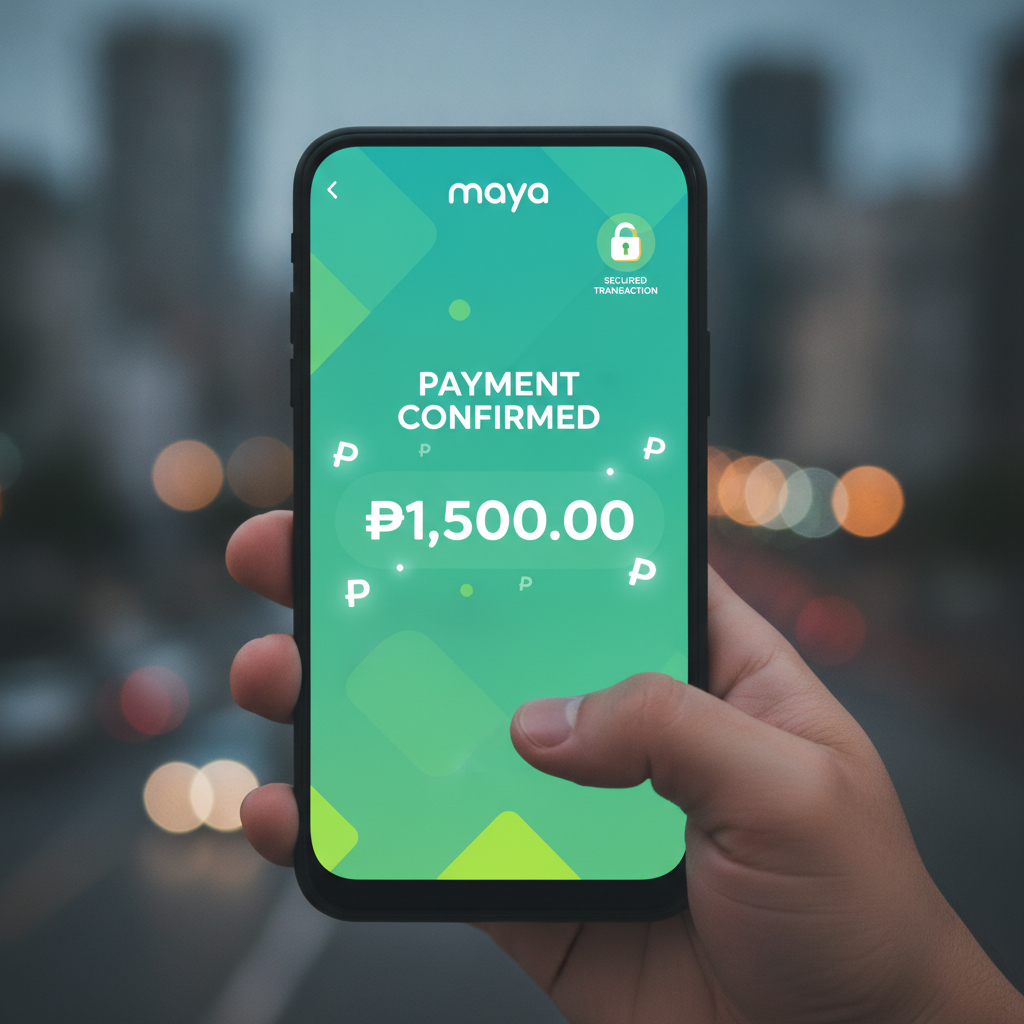
How to Link Your Maya Account for Deposits
Bacardi Play accepts Maya as one of its main deposit methods for Filipino players. Before you can deposit, you need to link your verified Maya account to your Bacardi Play account.
Before you start:
- You must have a verified Maya account with enough balance or a linked card
- You must be logged into your Bacardi Play account
- Your Maya account name should match the name registered on your Bacardi Play account
To link Maya:
- Log in to your Bacardi Play account on your phone or browser
- Tap the Deposit or Cash In button, usually at the top of the screen
- Select Maya from the list of payment options
- Enter your registered Maya mobile number
- Confirm that the number is correct before proceeding
Once you complete your first successful Maya deposit, Bacardi Play will remember your number for faster transactions next time. You won't need to re-link unless you change your Maya account.
Step-by-Step Maya Deposit Process
The Maya deposit flow on Bacardi Play is designed for mobile users and takes about two to three minutes from start to finish.
Step 1: Navigate to the Deposit page
From the Bacardi Play homepage, tap Deposit or the peso symbol in the menu. You'll see a list of available deposit methods including GCash, Maya, and bank transfer.
Step 2: Choose Maya and enter your amount
- Select Maya as your payment method
- Enter the amount you want to deposit in Philippine pesos
- The system will show you the minimum and maximum allowed (see limits below)
- Double-check your amount before tapping Continue or Next
Step 3: Confirm the transaction
You'll see a summary screen showing:
- Deposit amount in PHP
- Payment method: Maya
- Your linked Maya number
Review this information carefully. If everything looks correct, tap Confirm Deposit or Proceed.
Step 4: Complete the payment in Maya
Bacardi Play will redirect you to the Maya payment page or open the Maya app if you have it installed.
- Log in to your Maya account using your MPIN or biometrics
- Review the payment details one more time
- Tap Pay Now or Confirm Payment in the Maya interface
- Wait for the green success confirmation from Maya
Step 5: Return to Bacardi Play
After Maya confirms your payment, you'll be redirected back to Bacardi Play automatically. You should see a deposit confirmation message on screen. Your new balance will appear in your Bacardi Play wallet within seconds to a few minutes.
Visual cues to watch for:
- A green checkmark or "Success" badge after the Maya payment
- An updated peso balance at the top of your Bacardi Play screen
- A transaction reference number you can save for your records
If you're not redirected automatically, tap the Return to Merchant or Back to Bacardi Play button in the Maya confirmation screen.
Minimum and Maximum Maya Deposit Limits
Bacardi Play sets deposit limits to accommodate casual players and larger bettors. These limits apply specifically to Maya transactions and may differ from GCash or bank transfer limits.
Minimum Maya deposit: PHP 100
This is the smallest amount you can deposit in a single transaction using Maya. It's ideal for new players who want to try a few slot spins or place small bets on PBA games without committing a large amount.
Maximum Maya deposit: Typically PHP 50,000 per transaction
The exact upper limit can vary depending on your account status and verification level. New accounts may have a lower limit until you complete full ID verification on Bacardi Play. If you need to deposit more, you can make multiple transactions or contact Bacardi Play support to inquire about raising your limit.
Daily and monthly caps:
Bacardi Play may also impose daily or monthly deposit limits as part of its responsible gambling measures. These limits help players stay within their budget. You can view your current limits in the Account Settings or Responsible Gaming section of your profile.
Maya side limits:
Remember that Maya itself has transaction limits based on your account type:
- Maya Basic (unverified): Lower sending limits
- Maya Upgraded (verified with valid ID): Higher limits, usually up to PHP 50,000 per transaction
Make sure your Maya account is upgraded and verified if you plan to make larger deposits.
Deposit Confirmation and Account Crediting Time
One of the benefits of using Maya on Bacardi Play is fast crediting. Here's what to expect after you confirm your deposit.
Instant to 5 minutes:
In most cases, Maya deposits credit to your Bacardi Play balance within seconds. You'll see your updated peso balance immediately and can start playing slots, live dealer games, or placing bets on NBA and volleyball matches.
Why some deposits take longer:
Occasionally, deposits may take up to 5 minutes due to:
- High traffic on the Maya or Bacardi Play system
- Connectivity issues on your mobile network
- Routine security checks on larger transactions
What to do if your deposit is delayed:
- Wait at least 10 minutes before taking action
- Refresh your Bacardi Play account page or log out and log back in
- Check your Maya transaction history to confirm the payment went through
- Look for a transaction reference number in your Maya app
If your balance still hasn't updated after 15 minutes and Maya shows the payment as successful, contact Bacardi Play customer support through live chat. Have your Maya transaction reference number ready.
Deposit receipt and history:
After every successful deposit, Bacardi Play records the transaction in your account history. To view it:
- Go to Account or Profile
- Tap Transaction History or Deposit History
- Find your Maya deposit listed with the date, time, amount, and status
Keep a screenshot of your Maya confirmation and your Bacardi Play transaction record for your own reference, especially if you need to contact support later.
Responsible Gambling and 21+ Requirement
Bacardi Play is intended for players aged 21 and over only. You must be of legal age to register, deposit, and play on the platform.
When depositing via Maya or any payment method, keep these responsible gambling tips in mind:
Set a deposit limit:
Decide in advance how much you're comfortable depositing each week or month. Many players stick to PHP 100–500 per session to keep betting recreational and fun. Use Bacardi Play's built-in deposit limit tools if available.
Only deposit what you can afford to lose:
Treat your deposit like entertainment spending, not a way to make money. Slots, live casino, and sports betting are games of chance, and there is no guaranteed way to win.
Take breaks:
If you find yourself depositing more often than planned or chasing losses, step back. Bacardi Play offers self-exclusion and cooling-off options under Responsible Gaming settings.
Avoid borrowing to gamble:
Never deposit borrowed money or funds meant for bills, groceries, or other essential expenses. Only use your own disposable income.
Where to get help:
If you or someone you know is struggling with gambling, reach out to local support services or use Bacardi Play's responsible gambling resources in the account settings.
This guide is an independent resource for Filipino players exploring Bacardi Play. It is not operated by or affiliated with Bacardi Play. All players must be 21 years of age or older. Gamble responsibly and within your means.